thl
d021546507
v0.2.2
thl
d021546507
v0.2.2
|
7 lat temu | |
|---|---|---|
| android | 8 lat temu | |
| doc | 7 lat temu | |
| example | 7 lat temu | |
| ios | 8 lat temu | |
| lib | 7 lat temu | |
| .gitignore | 8 lat temu | |
| CHANGELOG.md | 7 lat temu | |
| LICENSE | 8 lat temu | |
| README.md | 7 lat temu | |
| analysis_options.yaml | 7 lat temu | |
| flustars.iml | 8 lat temu | |
| flustars_android.iml | 8 lat temu | |
| pubspec.yaml | 7 lat temu | |
| uploadMaster | 8 lat temu |
README.md
flustars(Flutter常用工具类库)

[flustars] Flutter常用工具类库。主要对第三方库封装,以便于使用。如果你有好的工具类欢迎PR.
更新说明
v0.2.2 SpUtil新增get默认值。
SpUtil.getString('key', defValue: '');
SpUtil.getInt('key', defValue: 0);
关于使用本开源库
如果您是用于公司项目,请随意使用~
如果您是用于开源项目,未经本人许可,请勿copy源码到您的项目使用!
使用方式:
dependencies:
  flustars: 0.2.1
Flutter工具类库 flustars
1、SpUtil : 单例"同步" SharedPreferences 工具类.
2、ScreenUtil : 屏幕适配,获取屏幕宽、高、密度,AppBar高,状态栏高度,屏幕方向.
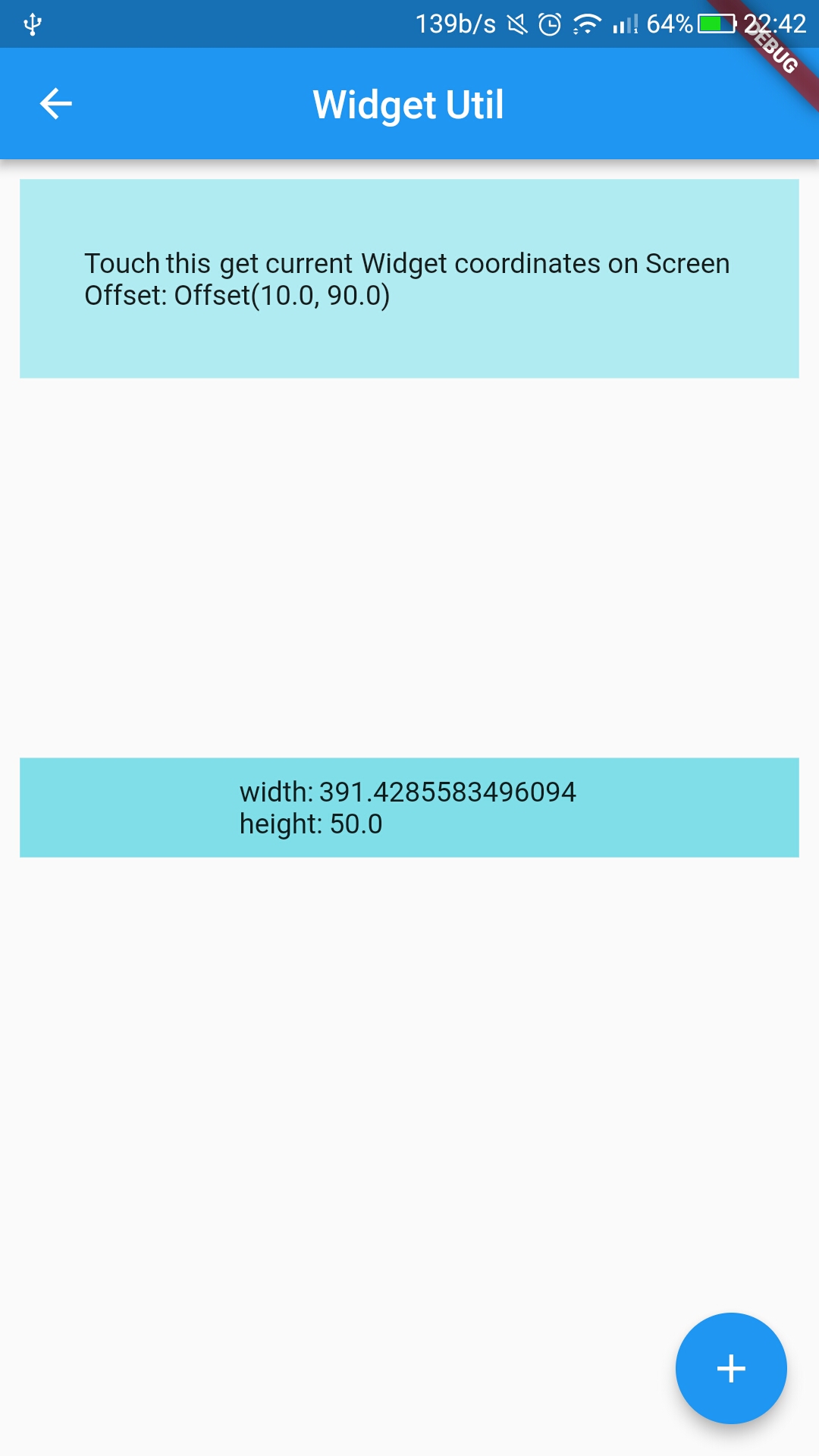
3、WidgetUtil : 获取Widget宽高,在屏幕上的坐标.
Dart常用工具类库 common_utils
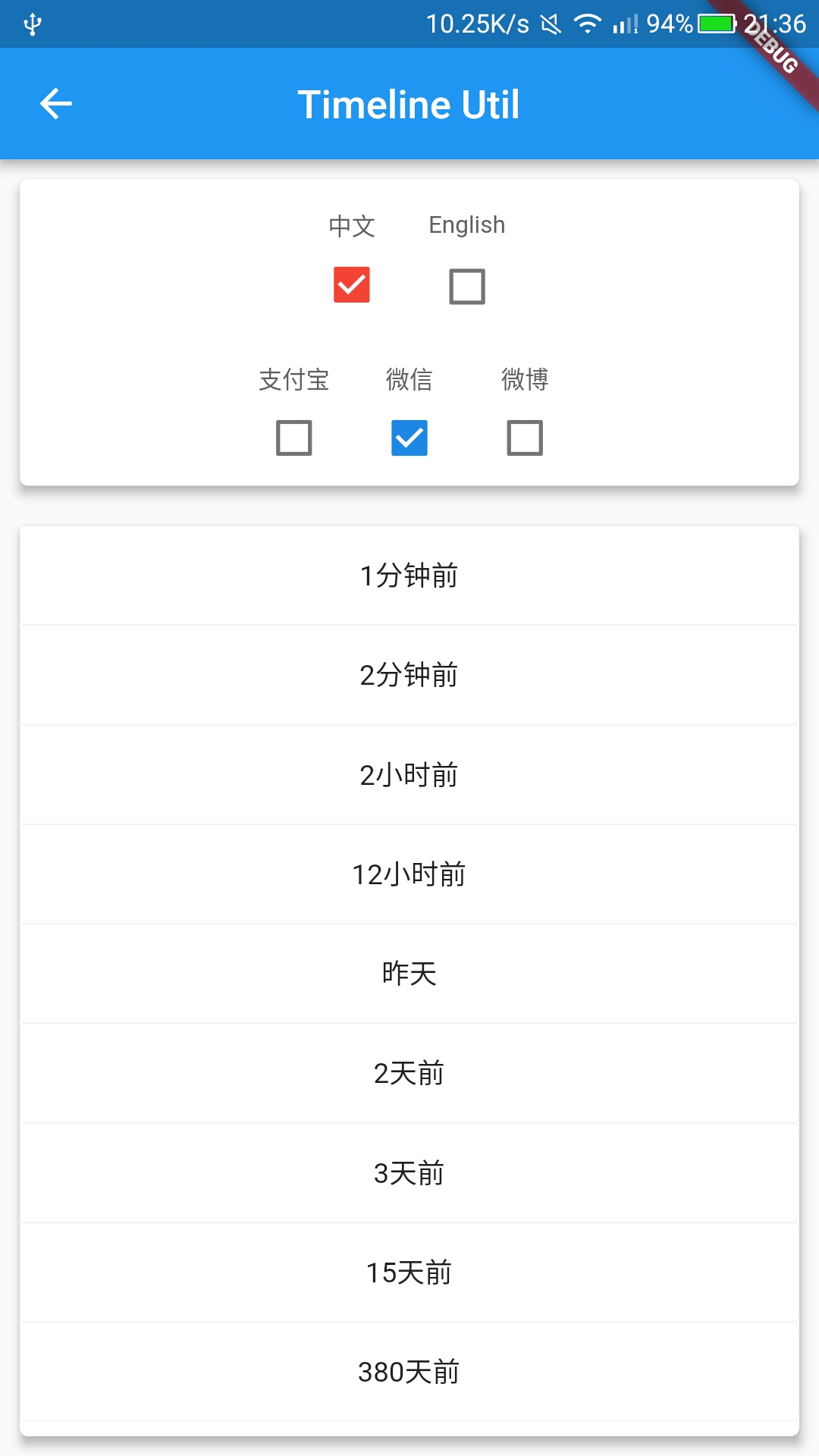
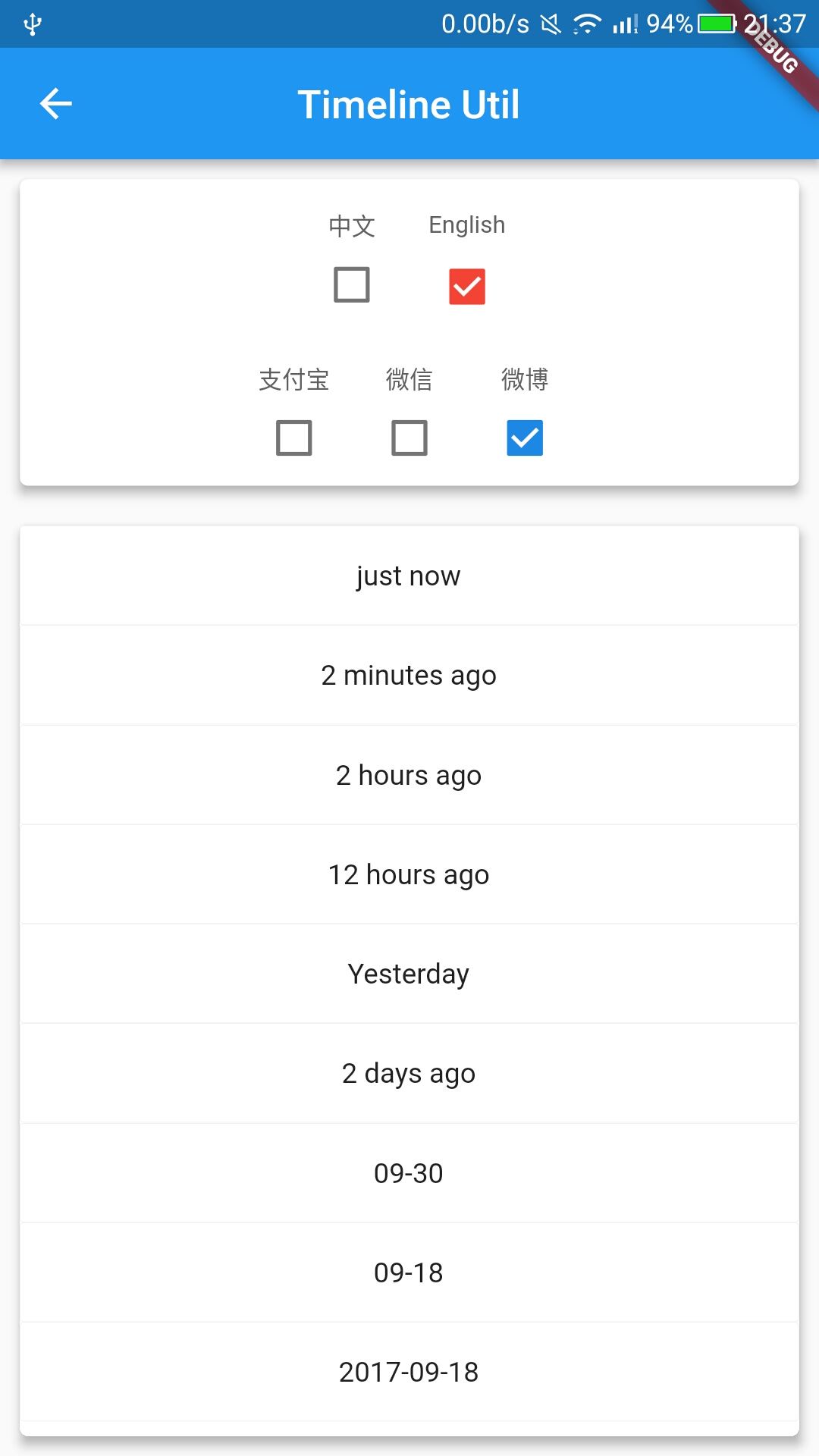
1、TimelineUtil : 时间轴.(新)
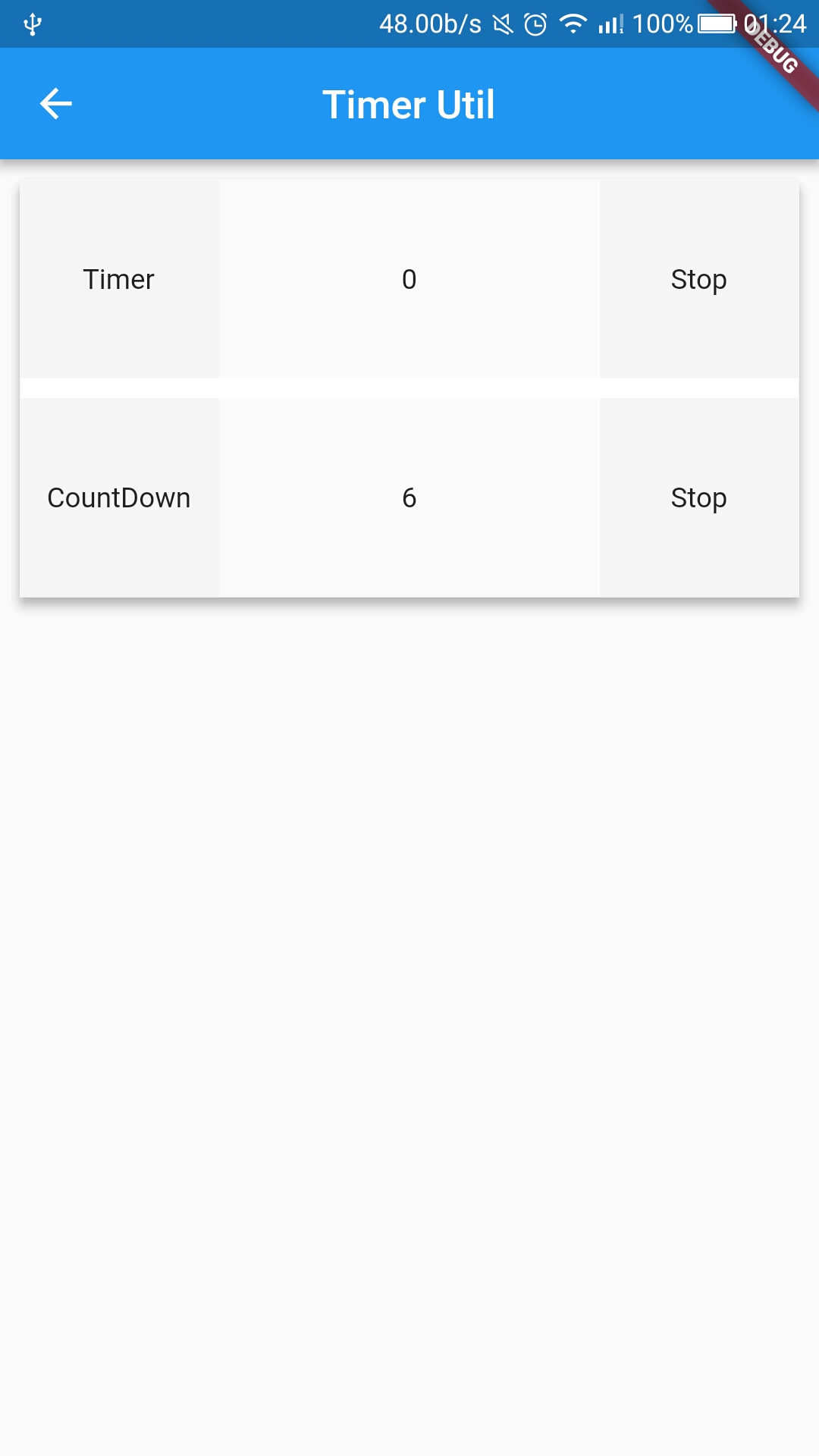
2、TimerUtil : 倒计时,定时任务.(新)
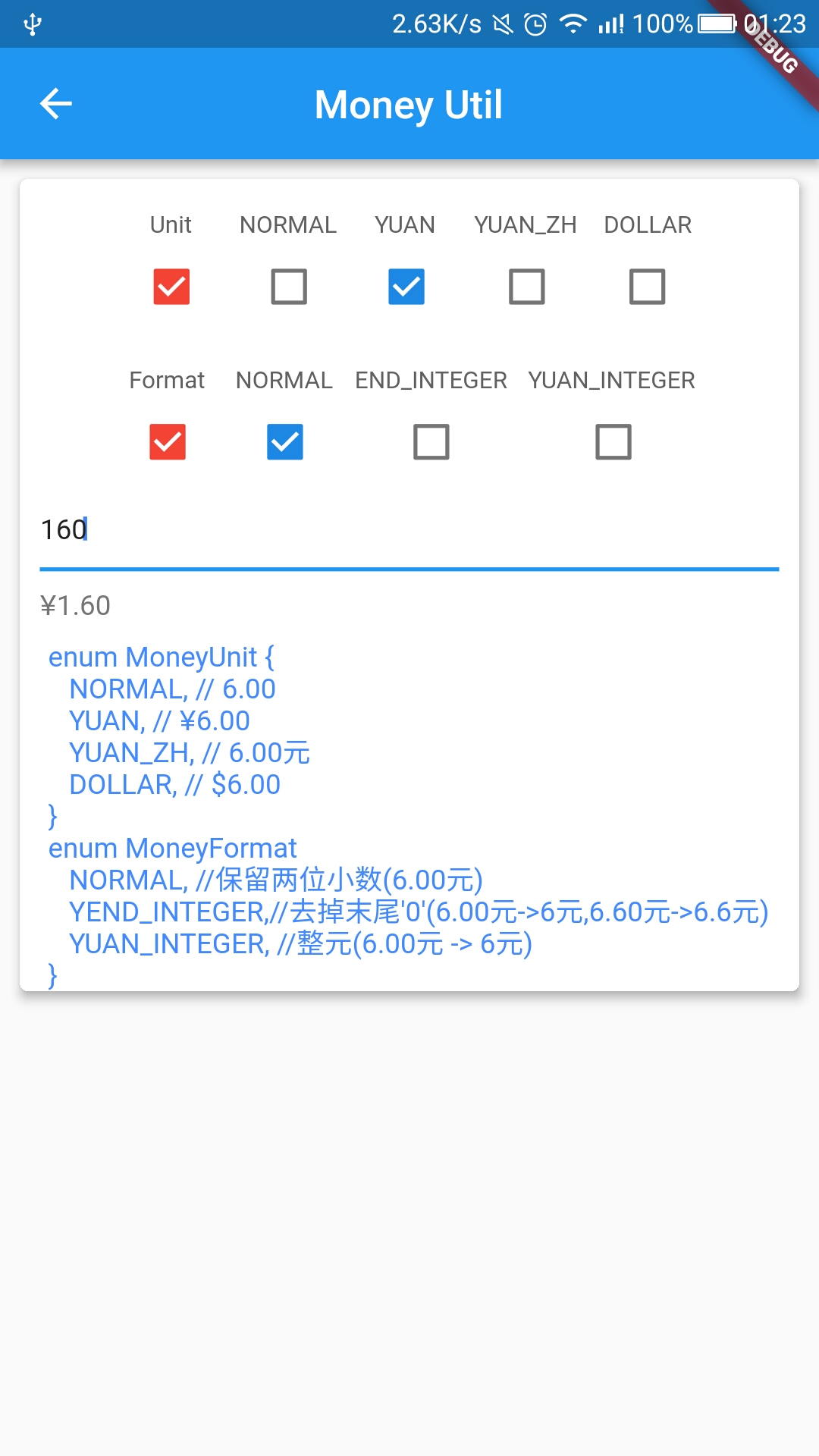
3、MoneyUtil : 精确转换,元转分,分转元,支持格式输出.(新)
4、LogUtil : 简单封装打印日志.(新)
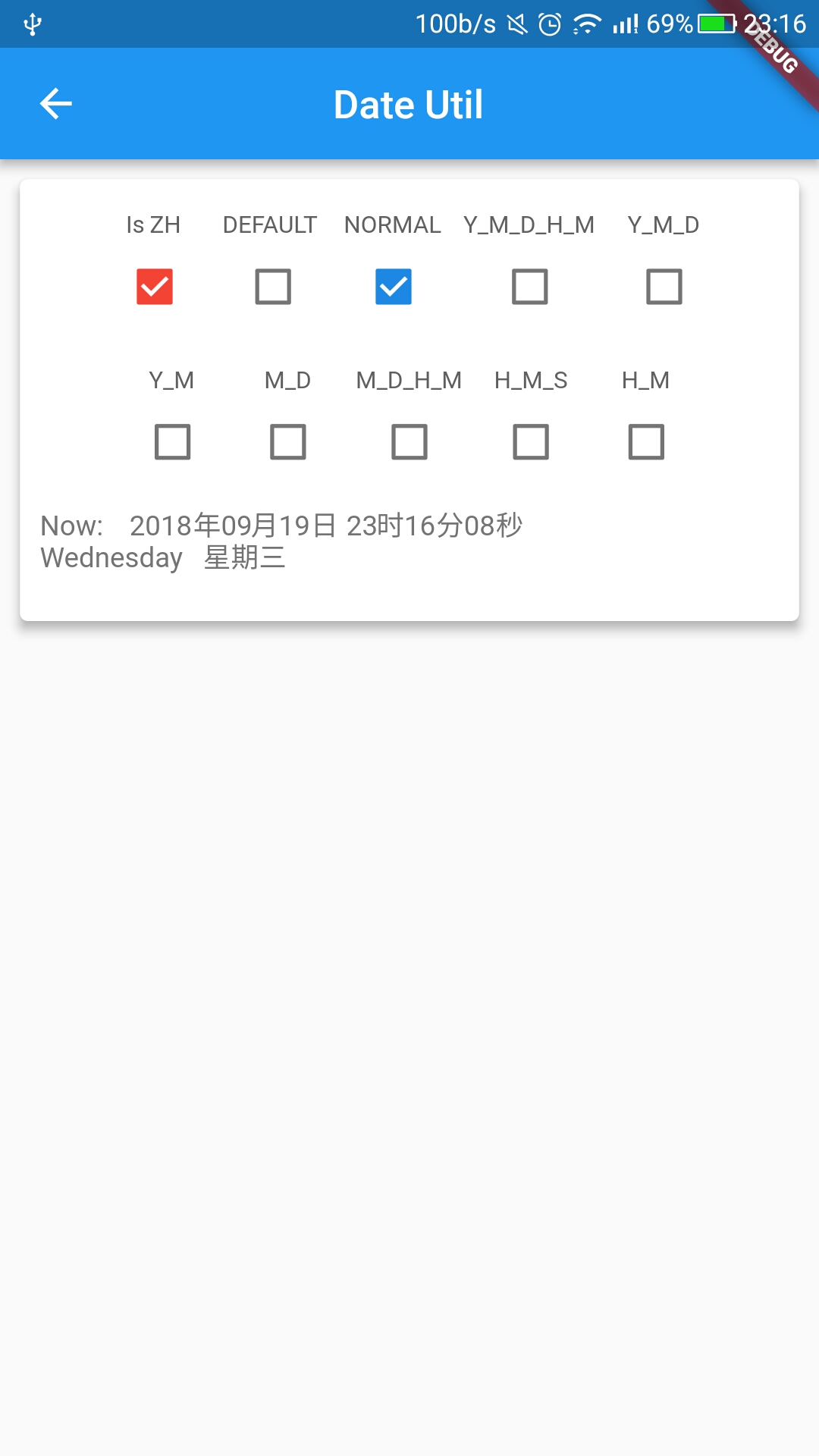
5、DateUtil : 日期转换格式化输出.
6、RegexUtil : 正则验证手机号,身份证,邮箱等等.
7、NumUtil : 保留x位小数, 精确加、减、乘、除, 防止精度丢失.
8、ObjectUtil : 判断对象是否为空(String List Map),判断两个List是否相等.
Add dependency
dependencies:
  flustars: x.x.x  #latest version
APIs
SpUtil -> Example
getString
putString
getBool
putBool
getInt
putInt
getDouble
putDouble
getStringList
putStringList
getDynamic
getKeys
remove
clear
isInitialized
ScreenUtil -> Example
getWidth                  : 返回根据屏幕宽适配后尺寸.
getHeight                 : 返回根据屏幕高适配后尺寸.
getWidthPx                : 返回根据屏幕宽适配后尺寸.
getHeightPx               : 返回根据屏幕高适配后尺寸.
getSp                     : 返回根据屏幕宽适配后字体尺寸.
screenWidth               : 获取屏幕宽.
screenHeight              : 获取屏幕高.
screenDensity             : 获取屏幕密度.
appBarHeight              : 获取系统AppBar高度.
statusBarHeight           : 获取系统状态栏高度.
getScreenW(ctx)           : 当前屏幕 宽.
getScreenH(ctx)           : 当前屏幕 高.
getStatusBarH(ctx)        : 当前状态栏高度.
getBottomBarH(ctx)        : 当前BottomBar高度.
getScaleW(ctx,size)       : 返回根据屏幕宽适配后尺寸.
getScaleH(ctx,size)       : 返回根据屏幕高适配后尺寸.
getScaleSp(ctx,size)      : 返回根据屏幕宽适配后字体尺寸.

// 屏幕宽
double screenWidth = ScreenUtil.getInstance().screenWidth;
// 屏幕高
double screenHeight = ScreenUtil.getInstance().screenHeight;
// 屏幕像素密度
double screenDensity = ScreenUtil.getInstance().screenDensity;
// 系统状态栏高度
double statusBarHeight = ScreenUtil.getInstance().statusBarHeight;
// BottomBar高度
double bottomBarHeight = ScreenUtil.getInstance().bottomBarHeight;
// 系统AppBar高度
double appBarHeight = ScreenUtil.getInstance().appBarHeight;
// 根据屏幕宽适配后尺寸
double adapterW100 = ScreenUtil.getInstance().getWidth(100);
// 根据屏幕高适配后尺寸
double adapterH100 = ScreenUtil.getInstance().getHeight(100);
// 根据屏幕宽适配后字体尺寸
double adapterSp100 = ScreenUtil.getInstance().getSp(100);
// 根据屏幕宽适配后尺寸(输入px)
double adapterW100px = ScreenUtil.getInstance().getWidthPx(300);
// 根据屏幕高适配后尺寸(输入px)
double adapterH100px = ScreenUtil.getInstance().getHeightPx(300);

// 屏幕宽
double screenWidth = ScreenUtil.getScreenW(context);
// 屏幕高
double screenHeight = ScreenUtil.getScreenH(context);
// 屏幕像素密度
double screenDensity = ScreenUtil.getScreenDensity(context);
// 系统状态栏高度
double statusBarHeight = ScreenUtil.getStatusBarH(context);
// BottomBar高度
double bottomBarHeight = ScreenUtil.getBottomBarH(context);
// 根据屏幕宽适配后尺寸
double adapterW100 = ScreenUtil.getScaleW(context, 100);
// 根据屏幕高适配后尺寸
double adapterH100 = ScreenUtil.getScaleH(context, 100);
// 根据屏幕宽适配后字体尺寸
double adapterSp100 = ScreenUtil.getScaleSp(context, 100);
// 屏幕方向
Orientation orientation = ScreenUtil.getOrientation(context);
WidgetUtil -> Example
asyncPrepare              : Widget渲染监听,监听widget宽高变化,callback返回宽高等参数.
getWidgetBounds           : 获取widget 宽高.
getWidgetLocalToGlobal    : 获取widget在屏幕上的坐标.
关于作者,欢迎关注~


最后,如果您觉得本项目不错的话,来个star支持下作者吧!
Demo Github :
flutter_wanandroid flutter_demos
点击下载APK :
扫码下载APK :


Screenshot