
 thl
a458f68766
v1.0.6
thl
a458f68766
v1.0.6
|
il y a 7 ans | |
|---|---|---|
| android | il y a 7 ans | |
| example | il y a 7 ans | |
| ios | il y a 7 ans | |
| lib | il y a 7 ans | |
| .gitignore | il y a 7 ans | |
| CHANGELOG.md | il y a 7 ans | |
| LICENSE | il y a 7 ans | |
| README.md | il y a 7 ans | |
| analysis_options.yaml | il y a 7 ans | |
| flustars.iml | il y a 7 ans | |
| flustars_android.iml | il y a 7 ans | |
| pubspec.yaml | il y a 7 ans | |
| uploadMaster | il y a 7 ans |
README.md
flustars(Flutter常用工具类库)

[flustars] Flutter常用工具类库。主要对第三方库封装,以便于使用。如果你有好的工具类欢迎PR.
更新说明
v0.1.6(2018.12.20)
新增网络请求工具DioUtil, 单例模式,可输出请求日志。详细请求+解析请参考flutter_wanandroid项目。
// 打开debug模式.
DioUtil.openDebug();

// 两种单例请求方式.
DioUtil().request<List>(Method.get, "banner/json");
DioUtil.getInstance().request(Method.get, "banner/json");

//示例
LoginReq req = new LoginReq('username', 'password');
DioUtil().request(Method.post, "user/login",data: req.toJson());

//示例
FormData formData = new FormData.from({
      "username": "username",
      "password": "password",
    });
DioUtil().requestR(Method.post, "user/login",data: rformData);

// 网络请求日志
I/flutter ( 5922): ----------------Http Log----------------
I/flutter ( 5922): [statusCode]:   200
I/flutter ( 5922): [request   ]:   method: GET  baseUrl: http://www.wanandroid.com/  path: lg/collect/list/0/json
I/flutter ( 5922): [reqdata   ]:   null
I/flutter ( 5922): [response  ]:   {data: {curPage: 1, datas: [], offset: 0, over: true, pageCount: 0, size: 20, total: 0}, errorCode: 0, errorMsg: }
v0.1.5(2018.12.14)
ScreenUtil 新增屏幕适配。
//如果设计稿尺寸默认配置一致,无需该设置。  配置设计稿尺寸 默认 360.0 / 640.0 / 3.0
setDesignWHD(_designW,_designH,_designD);

//返回根据屏幕宽适配后尺寸(单位 dp or pt)
ScreenUtil.getInstance().getWidth(100.0);
ScreenUtil().getWidth(100.0);

//返回根据屏幕高适配后尺寸(单位 dp or pt)
ScreenUtil.getInstance().getHeight(100.0);
ScreenUtil().getHeight(100.0);

//返回根据屏幕宽适配后字体尺寸
ScreenUtil.getInstance().getSp(12.0);
ScreenUtil().getSp(100.0);
v0.1.4(2018.11.22)
ScreenUtil不依赖context获取屏幕数据。
新增MyAppBar,不需要GlobalKey就能openDrawer。
关于示例
本项目中不包含示例,所有示例均在flutter_demos项目中。
完整项目flutter_wanandroid,包含启动页,引导页,主题色切换,应用国际化多语言,版本更新等功能。欢迎体验!
Flutter工具类库 flustars
1、DioUtil : Dio 工具类.
2、SpUtil : 单例"同步" SharedPreferences 工具类.
3、ScreenUtil : 屏幕适配,获取屏幕宽、高、密度,AppBar高,状态栏高度,屏幕方向.
4、WidgetUtil : 获取Widget宽高,在屏幕上的坐标.
Dart常用工具类库 common_utils
1、TimelineUtil : 时间轴.(新)
2、TimerUtil : 倒计时,定时任务.(新)
3、MoneyUtil : 精确转换,元转分,分转元,支持格式输出.(新)
4、LogUtil : 简单封装打印日志.(新)
5、DateUtil : 日期转换格式化输出.
6、RegexUtil : 正则验证手机号,身份证,邮箱等等.
7、NumUtil : 保留x位小数, 精确加、减、乘、除, 防止精度丢失.
8、ObjectUtil : 判断对象是否为空(String List Map),判断两个List是否相等.
Demo Github :
flutter_wanandroid flutter_demos
点击下载APK :
扫码下载APK :


Screenshot
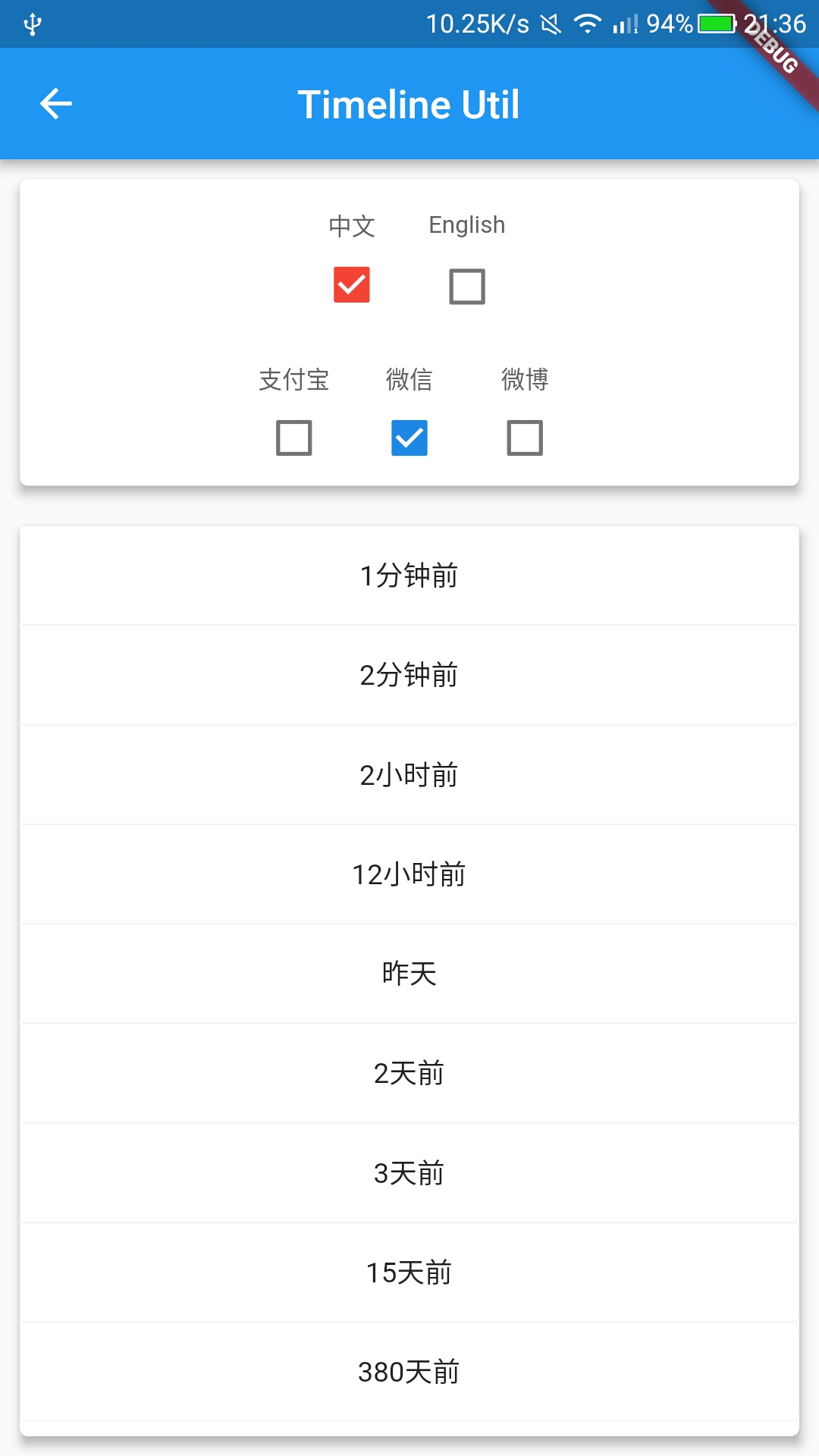
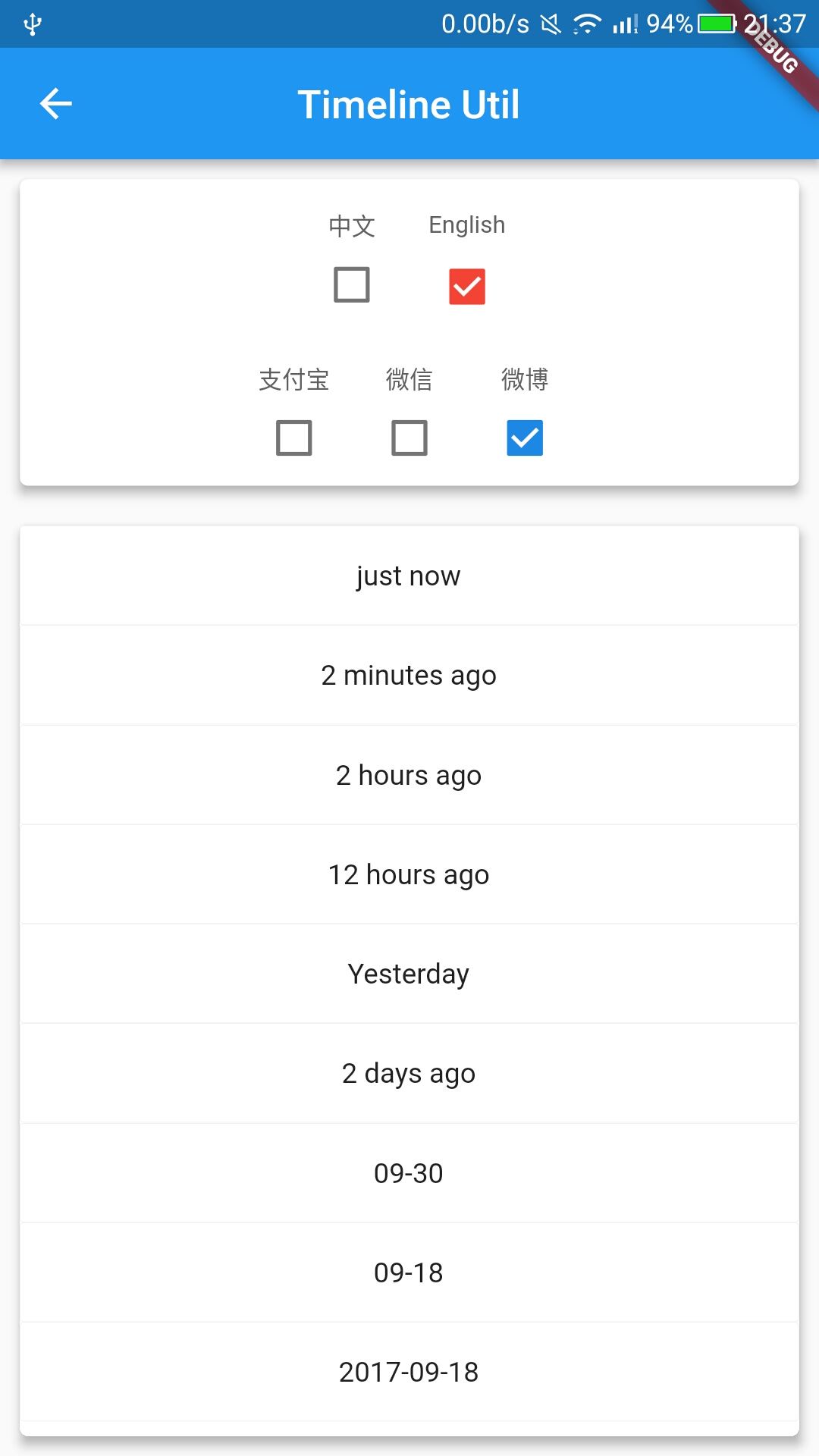
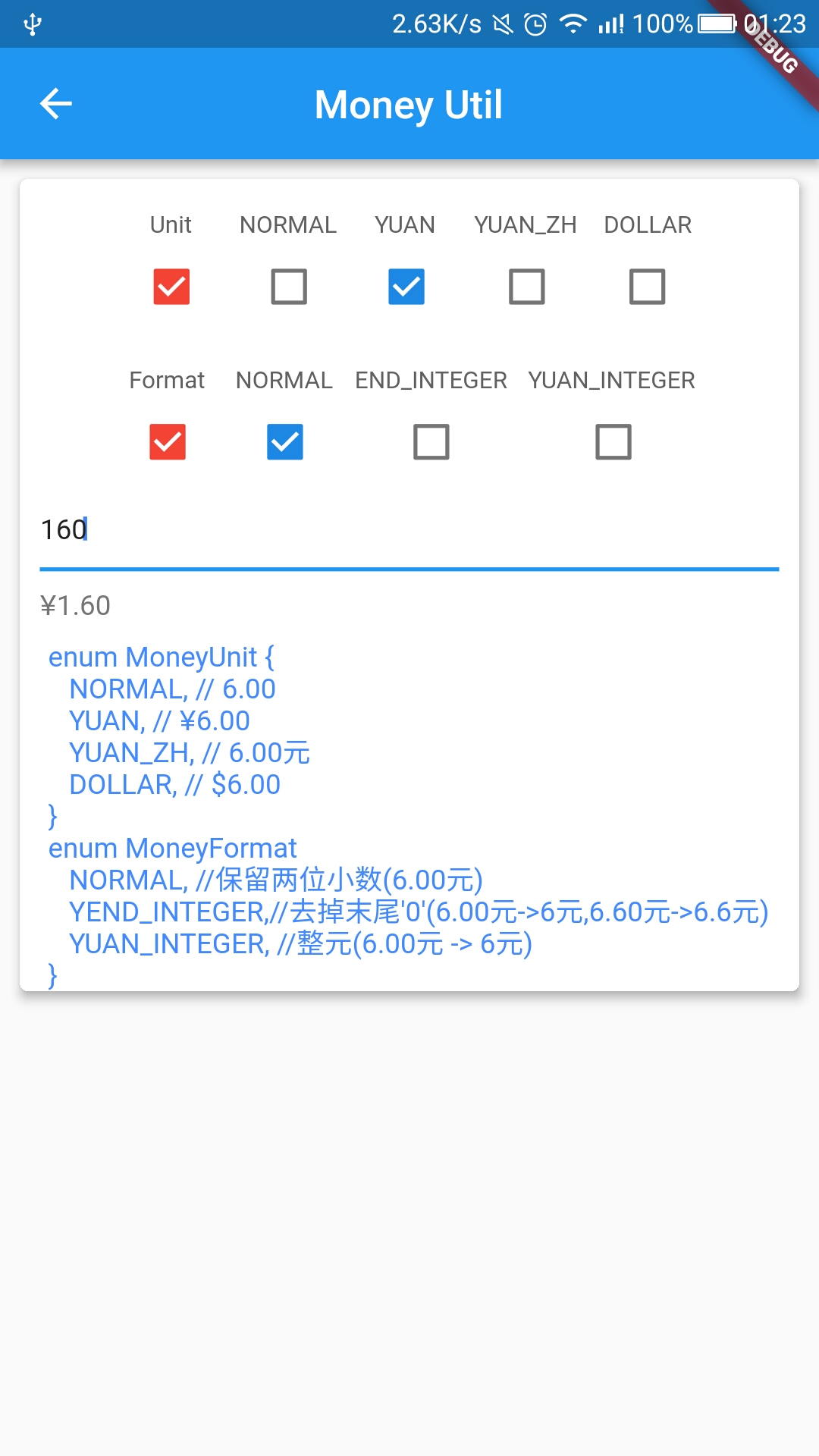
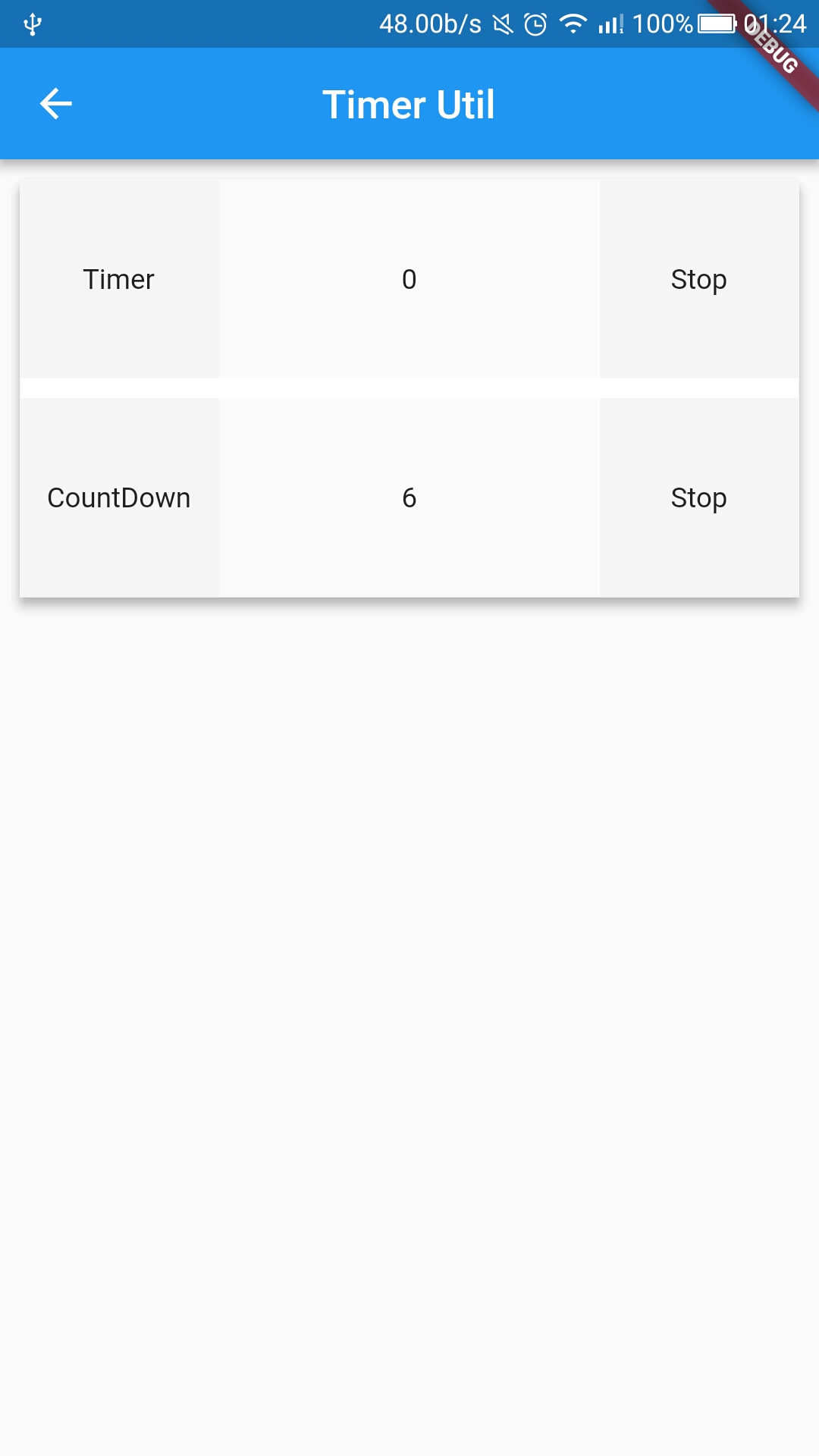
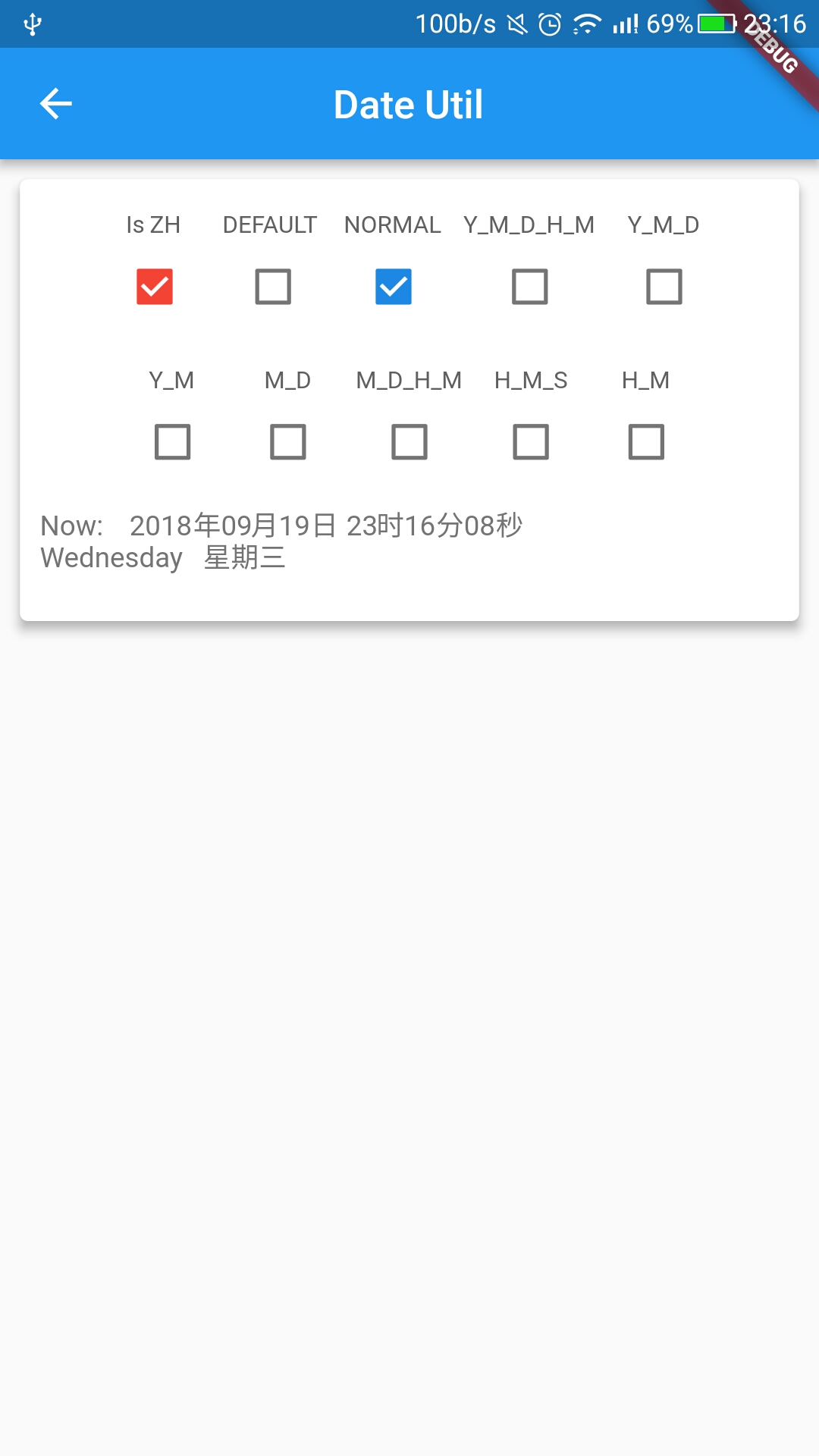
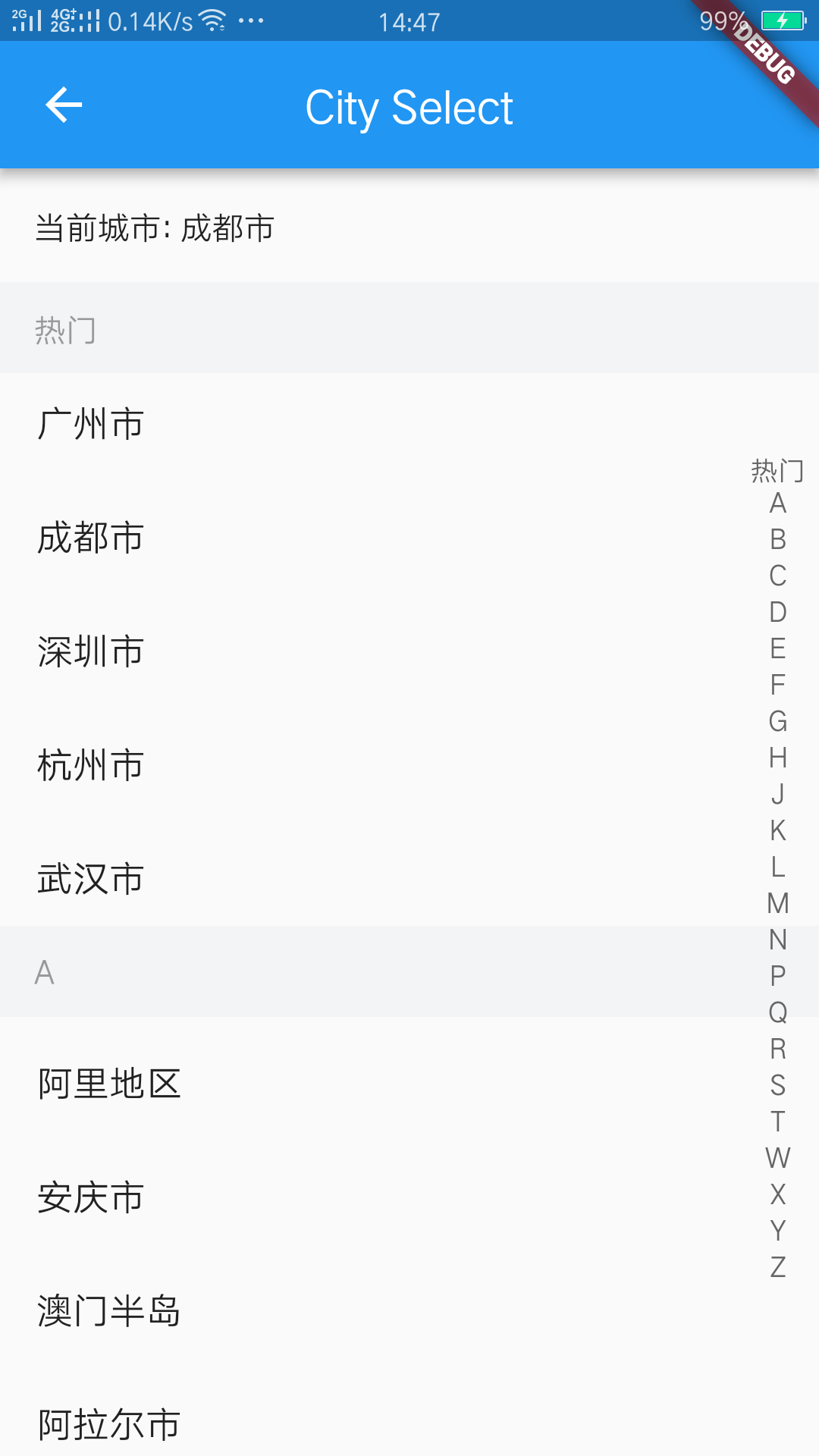


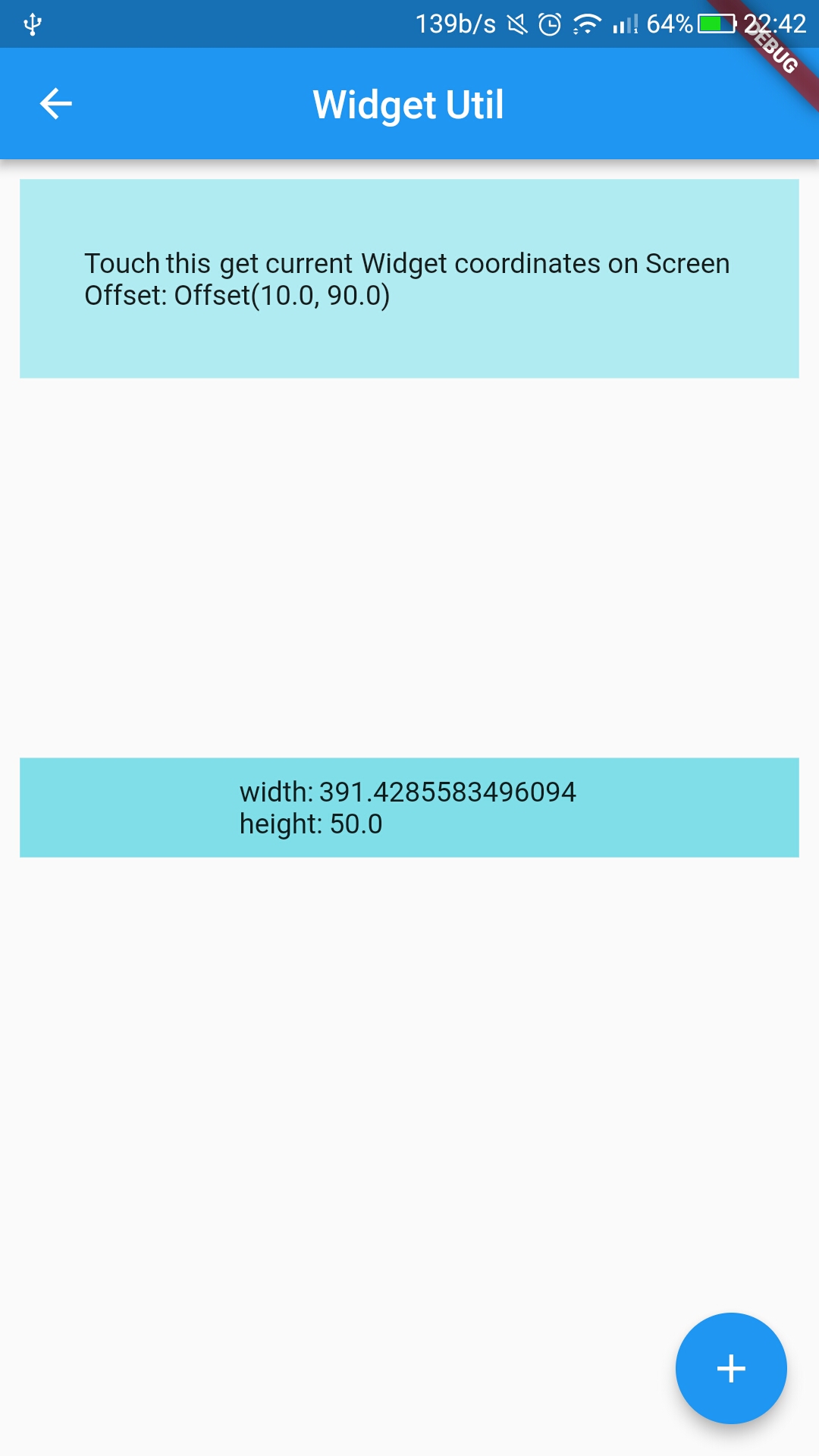
APIs
dependencies:
  flustars: x.x.x  #latest version
DioUtil
openDebug()
setConfig(config)
request<T>(method, path, {data, options, cancelToken})
requestR<T>(method, path, {data, options, cancelToken})
download(urlPath,savePath, {...})
getDio()
getDefOptions()
createNewDio()
SpUtil
getString
putString
getBool
putBool
getInt
putInt
getDouble
putDouble
getStringList
putStringList
getDynamic
getKeys
remove
clear
isInitialized
ScreenUtil
getWidth                  : 返回根据屏幕宽适配后尺寸.
getHeight                 : 返回根据屏幕高适配后尺寸.
getWidthPx                : 返回根据屏幕宽适配后尺寸.
getHeightPx               : 返回根据屏幕高适配后尺寸.
getSp                     : 返回根据屏幕宽适配后字体尺寸.
screenWidth               : 获取屏幕宽.
screenHeight              : 获取屏幕高.
screenDensity             : 获取屏幕密度.
appBarHeight              : 获取系统AppBar高度.
statusBarHeight           : 获取系统状态栏高度.
getScreenWidth            : 获取当前屏幕宽.
getScreenHeight           : 获取当前屏幕高.
getOrientation            : 获取当前屏幕方向.
WidgetUtil
asyncPrepare              : Widget渲染监听,监听widget宽高变化,callback返回宽高等参数.
getWidgetBounds           : 获取widget 宽高.
getWidgetLocalToGlobal    : 获取widget在屏幕上的坐标.
Example
// Import package
import 'package:flustars/flustars.dart';

//SpUtil
SpUtil spUtil = await SpUtil.getInstance();
//SpUtil.remove("username");
SpUtil.putString("username", "sky224");
LogUtil.e("username: " + SpUtil.getString("username").toString());

//ScreenUtil
ScreenUtil.getInstance().init(context);

ScreenUtil.screenWidth
ScreenUtil.screenHeight
ScreenUtil.statusBarHeight
ScreenUtil.screenDensity

//WidgetUtil
WidgetUtil widgetUtil = new WidgetUtil();

@override
Widget build(BuildContext context) {
  widgetUtil.asyncPrepare(context, false, (Rect rect) {
     double width = rect.width;
     double height = rect.height;
  });
    return ;
 }

//Widgets must be rendered completely. Otherwise return Rect.zero.
Rect rect = WidgetUtil.getWidgetBounds(context);
double width = rect.width;
double height = rect.height;

//Widgets must be rendered completely. Otherwise return Offset.zero.
Offset offset = WidgetUtil.getWidgetLocalToGlobal(context);
double dx = offset.dx
double dx = offset.dy
作者简书,欢迎关注~

Donations
如果您觉得该库不错的话,欢迎随意打赏,请作者喝杯咖啡~


